A Mac app for your photo archive
Korsan
Fix the date, place, and keywords of your photos, one or a thousand at a time.
- Latitude
- 55.6761° N
- Longitude
- 12.5683° E
- Copenhagen, Capital Region, Denmark
23 Dec 2025 · 15:45 · +01:00
Folders
- Photos 1,284
- 2022 212
- 2023 164
- 2025 391
- Copenhagen 48
- Milan 73
- Scans 517
Smart collections
- Missing date 214
- Missing location 1,032
- No keywords 618
- Not rated 977
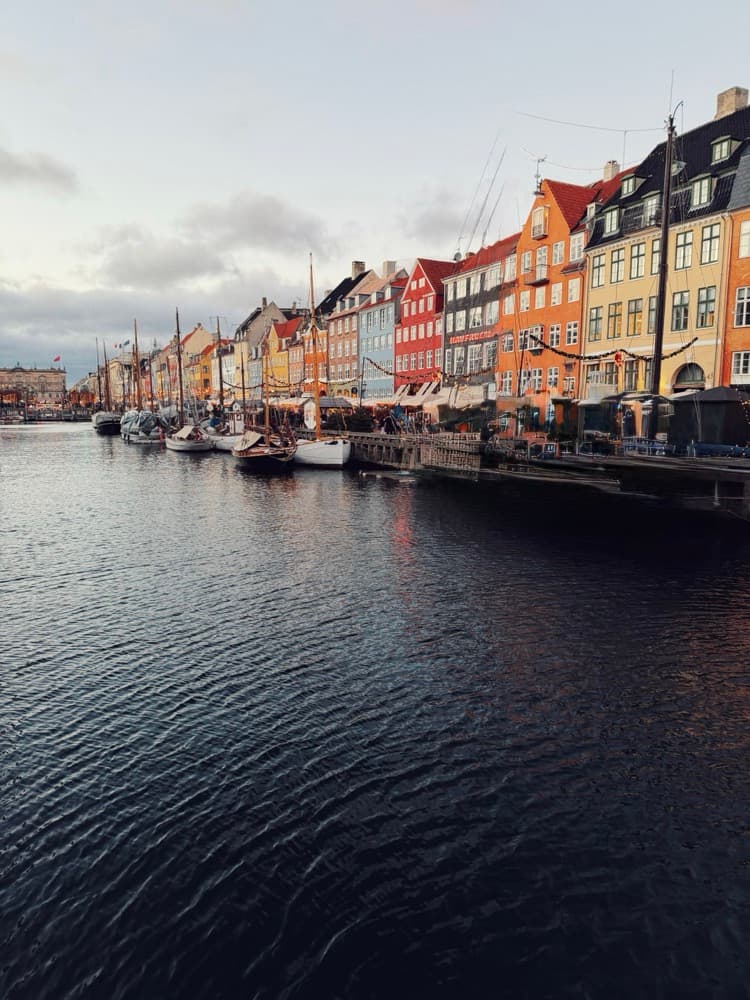
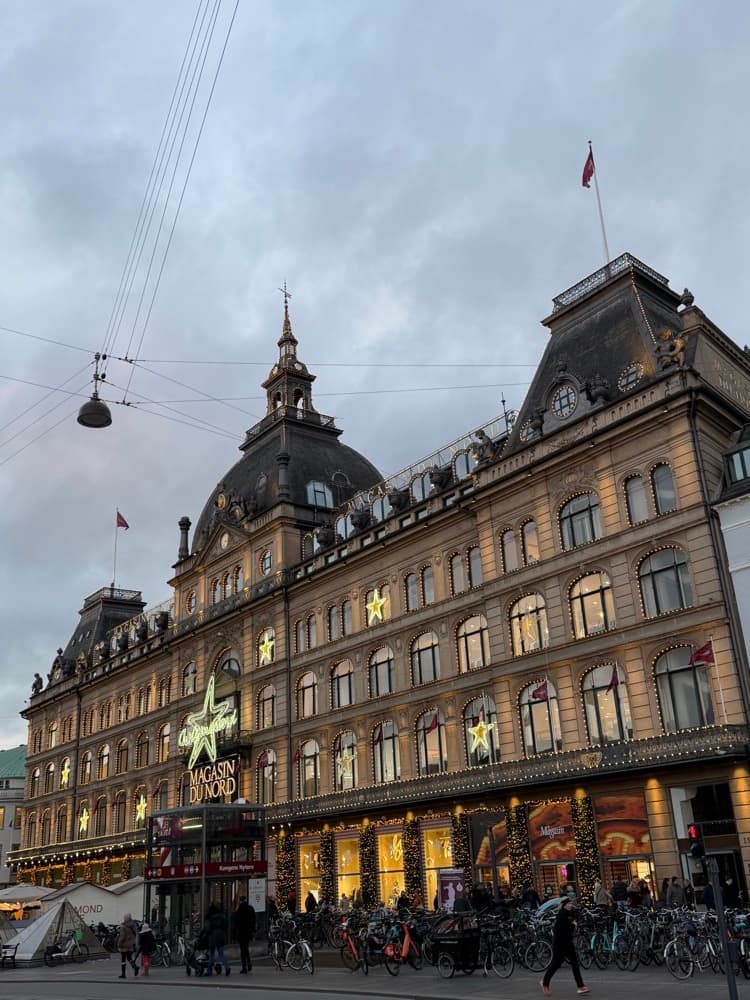
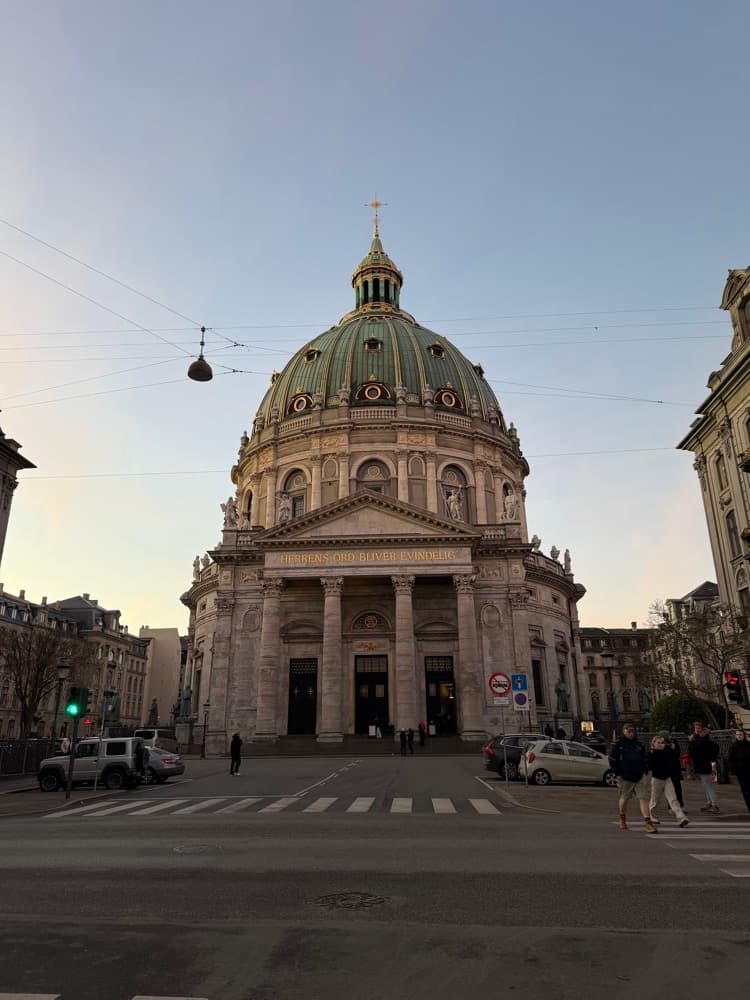
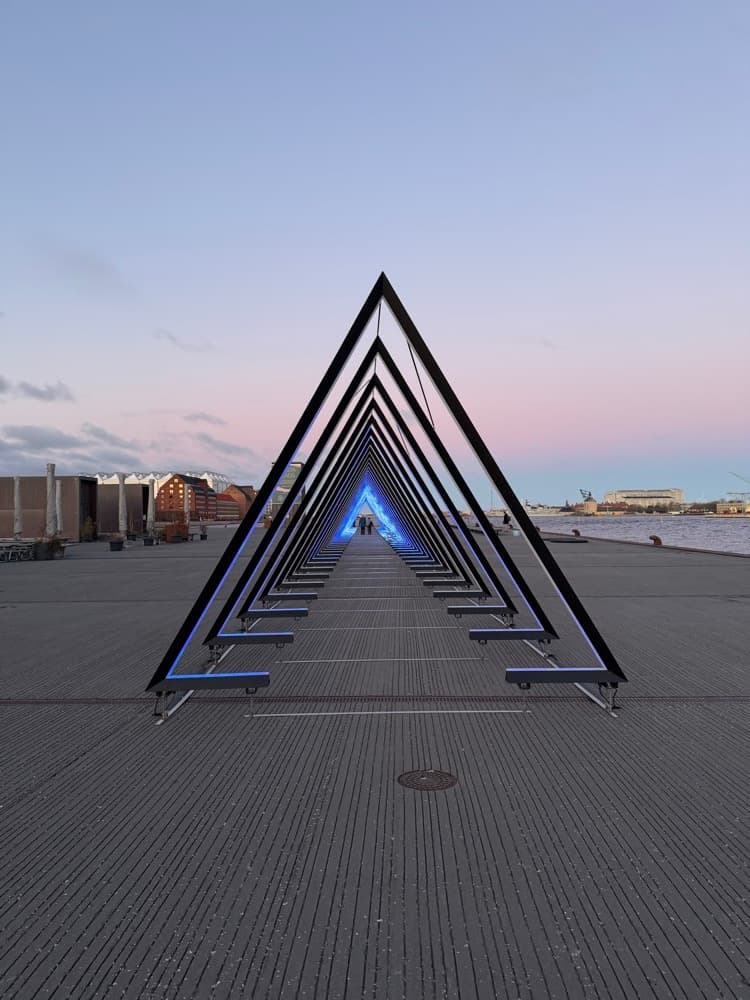
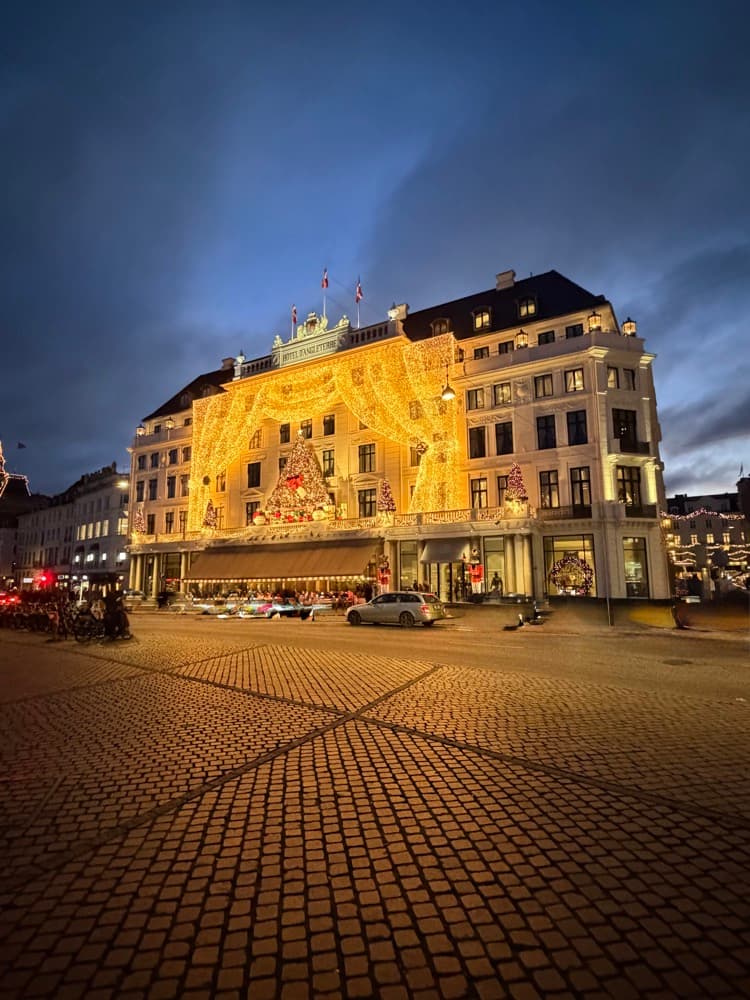
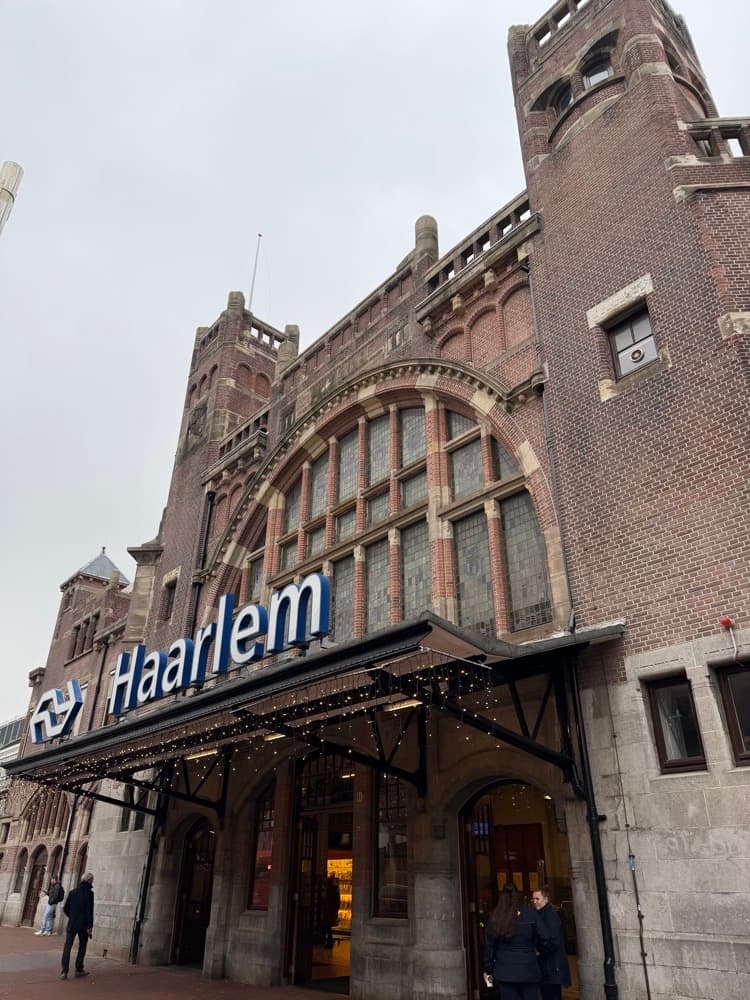
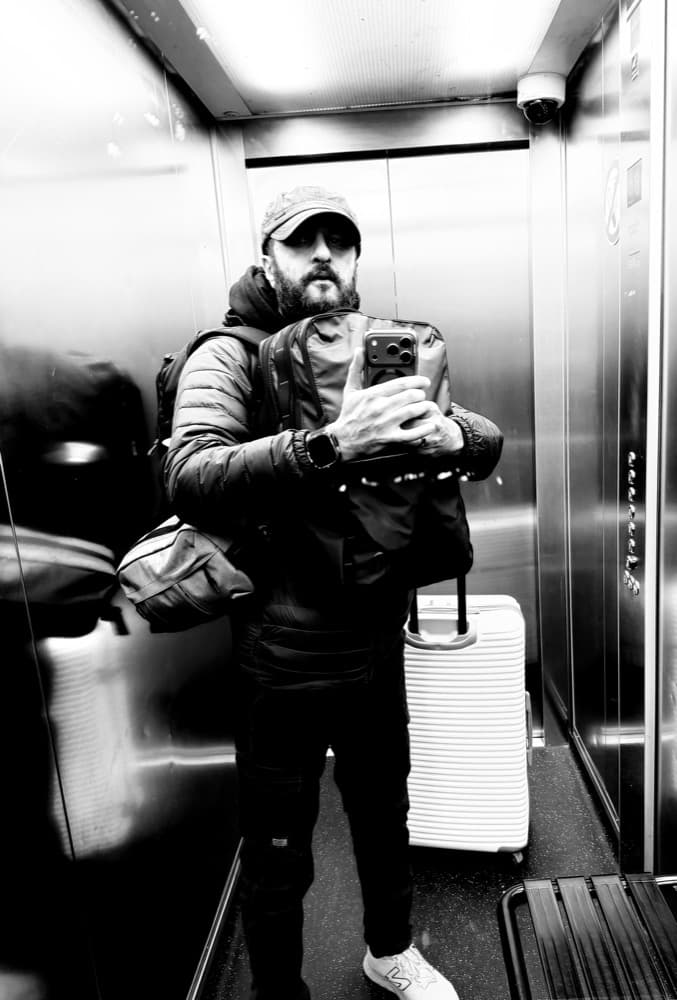
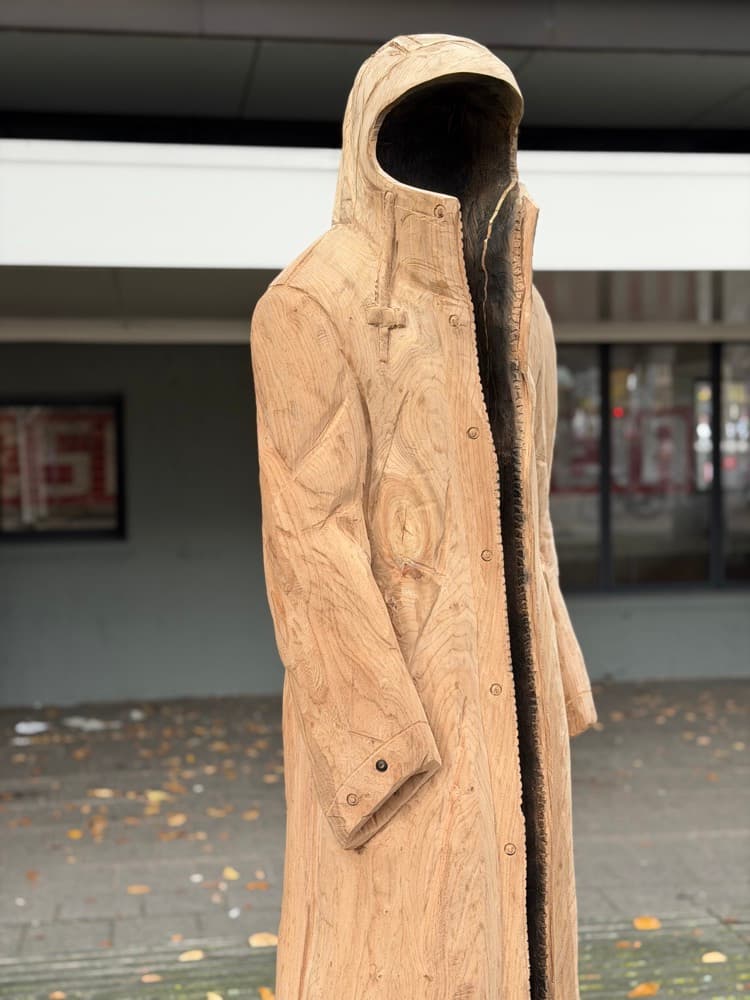
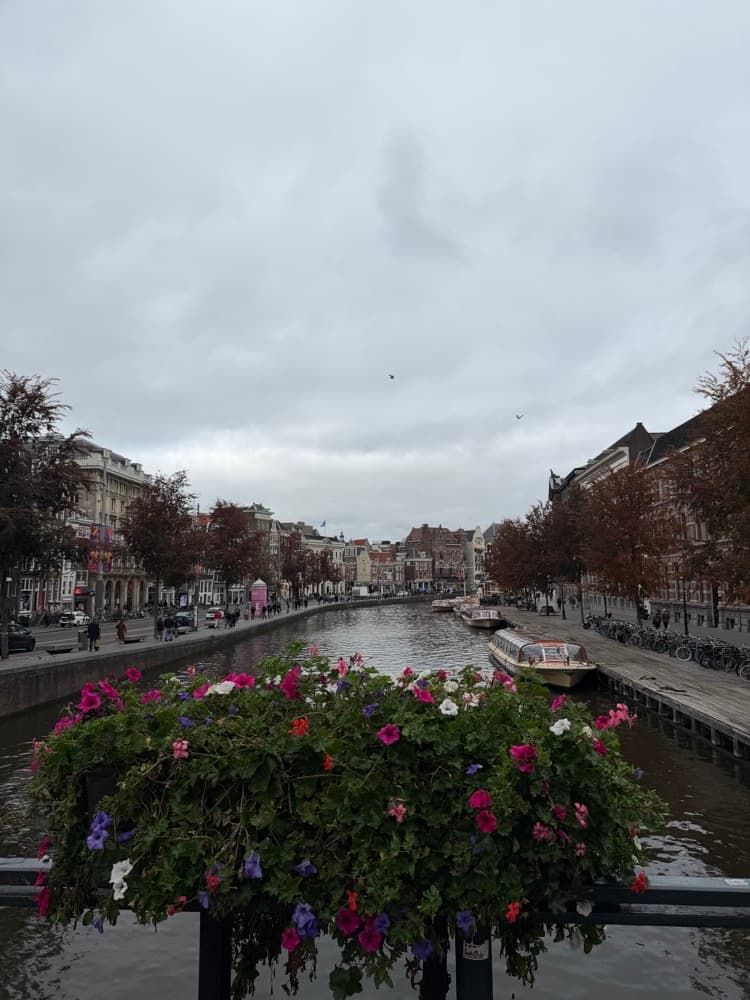
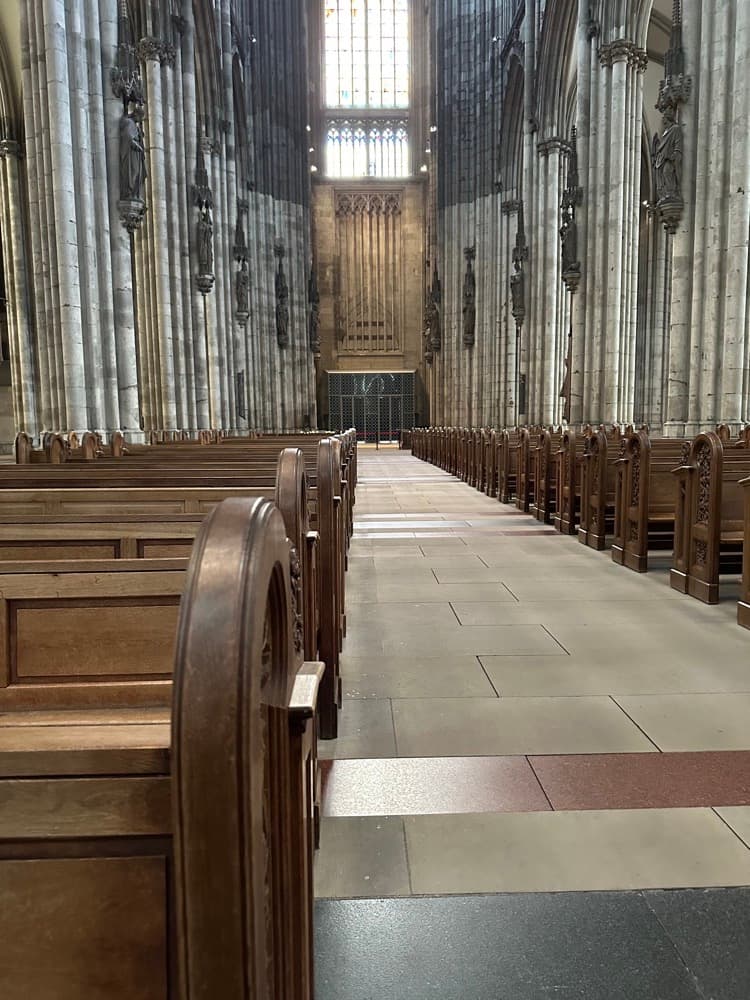
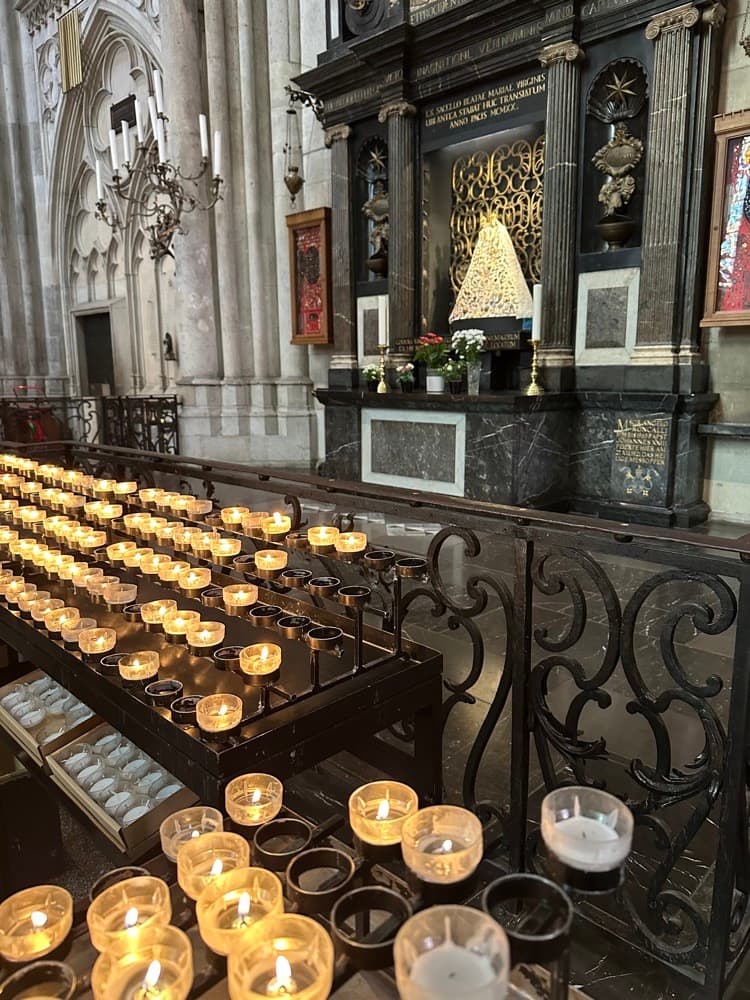
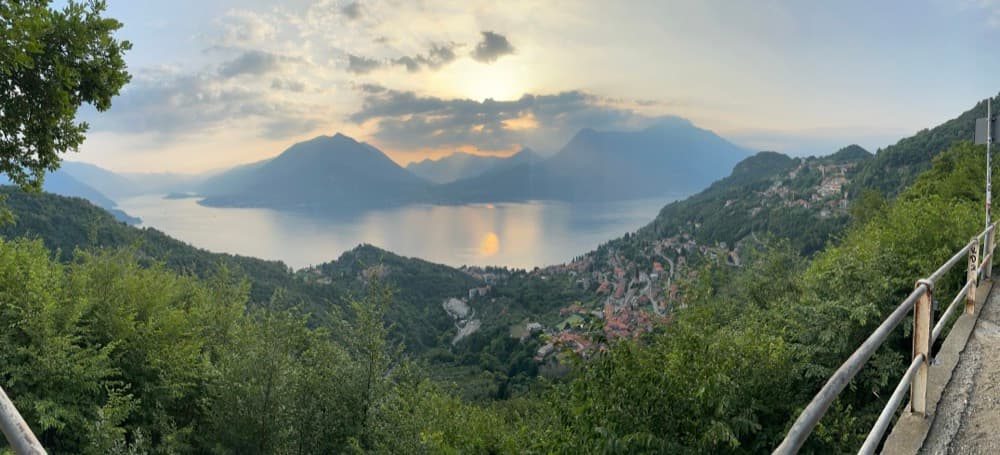
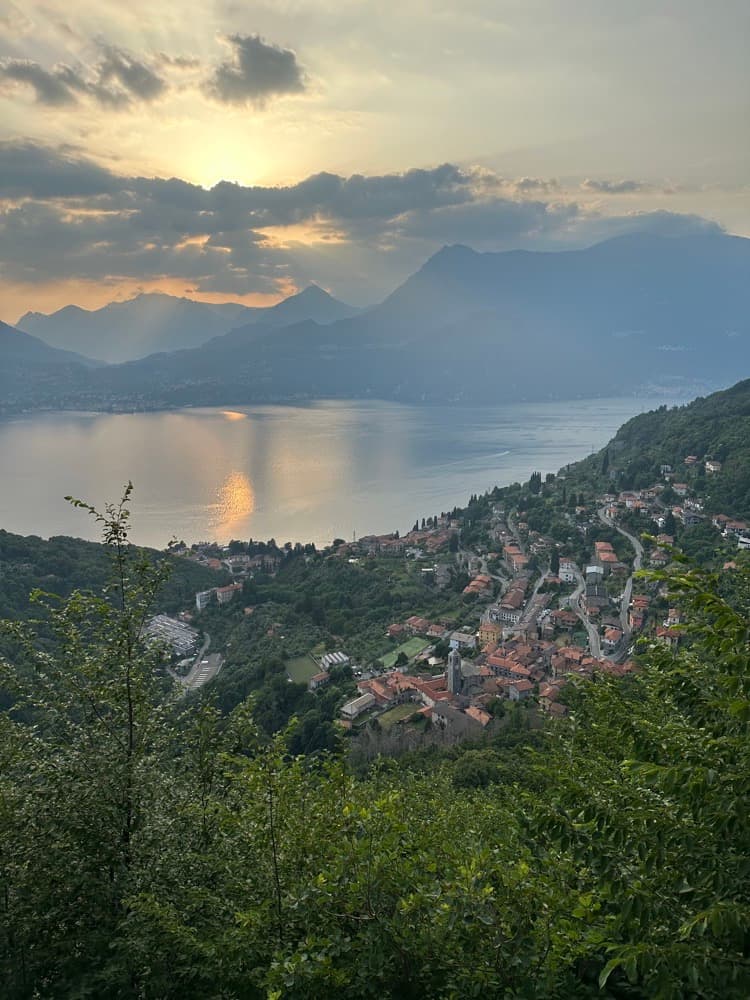
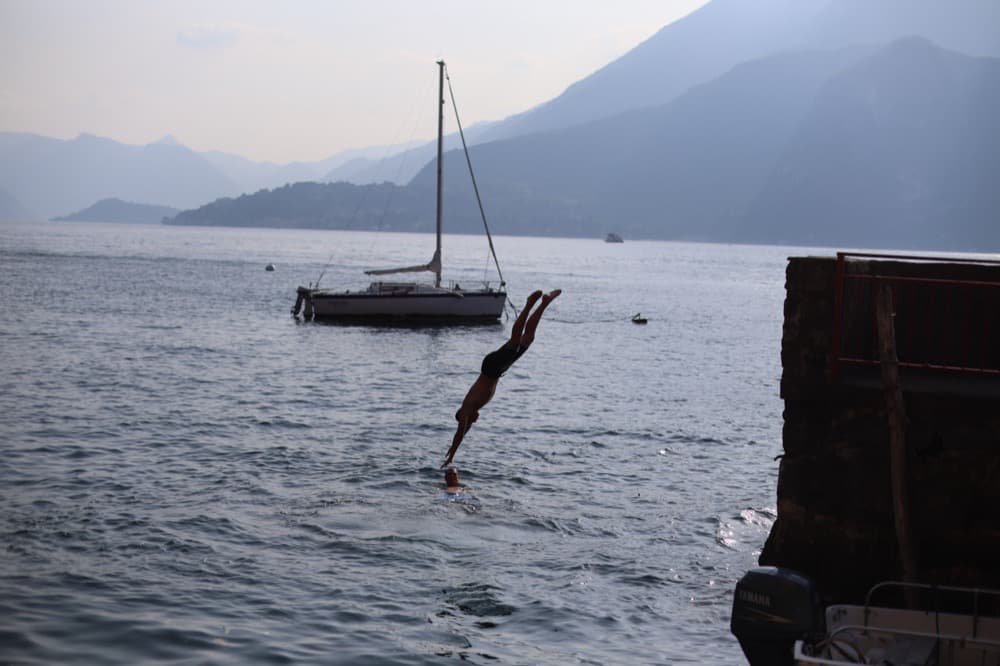
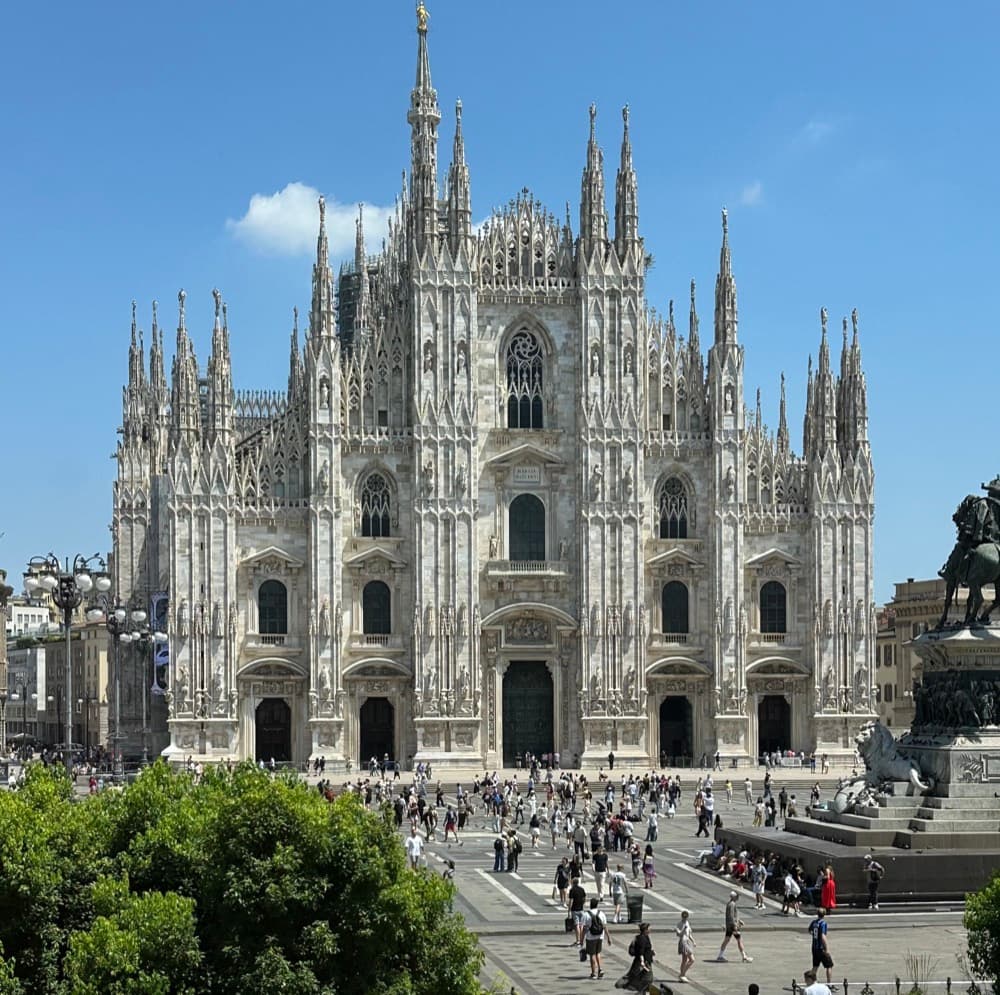
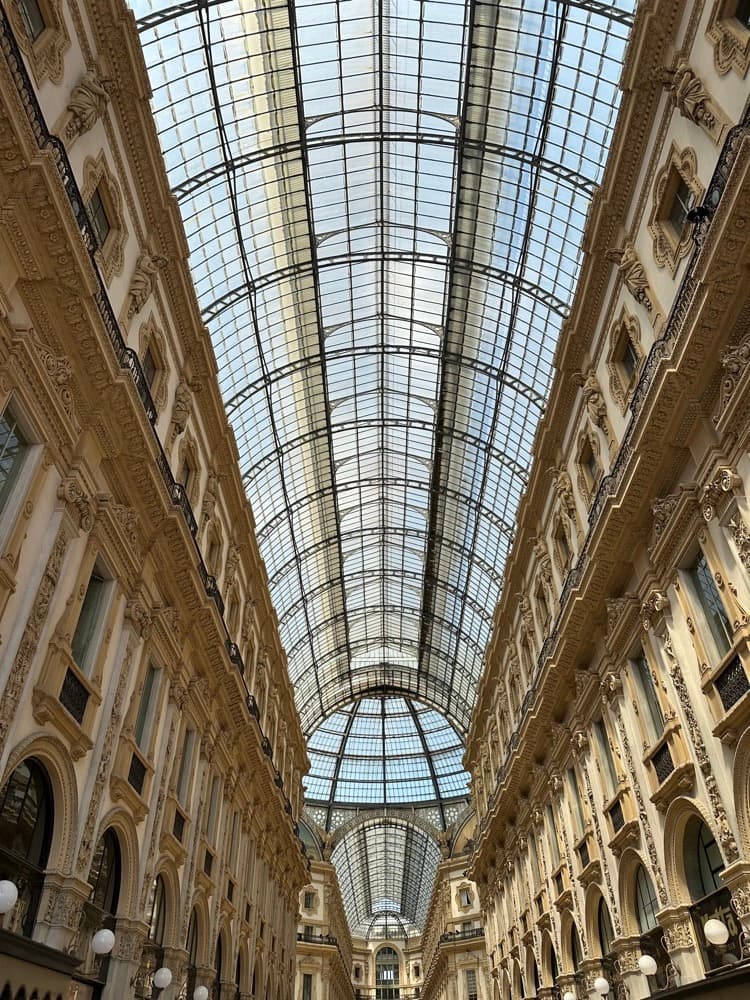
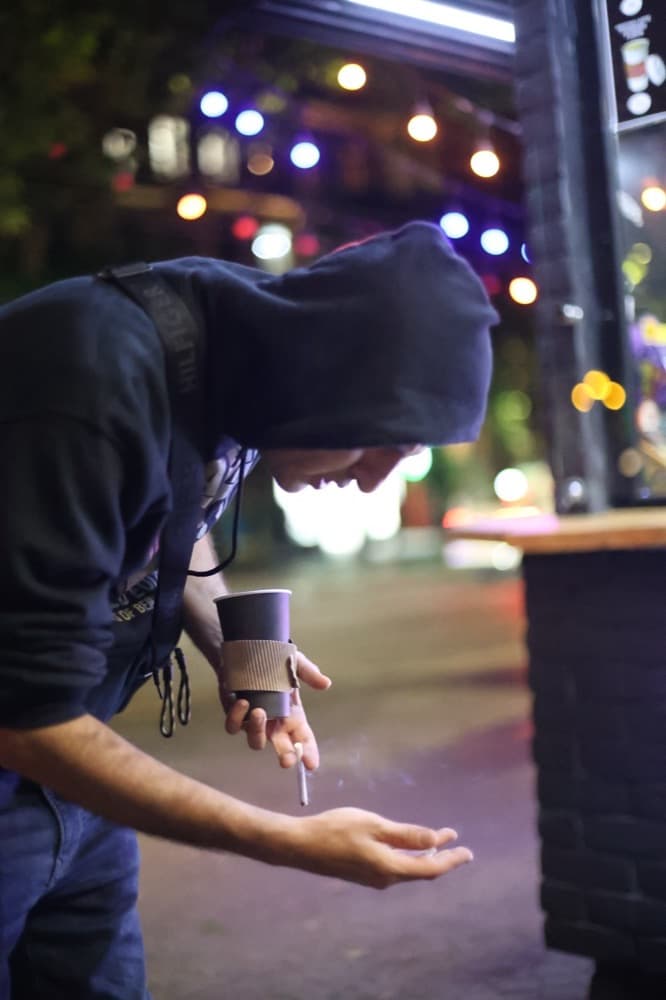
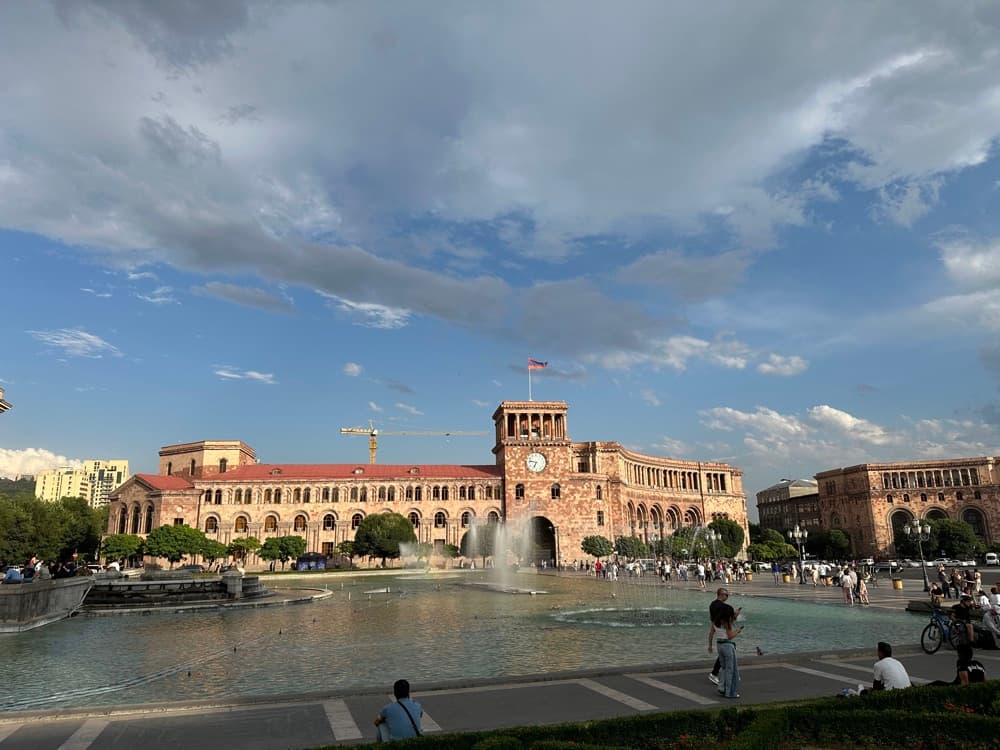
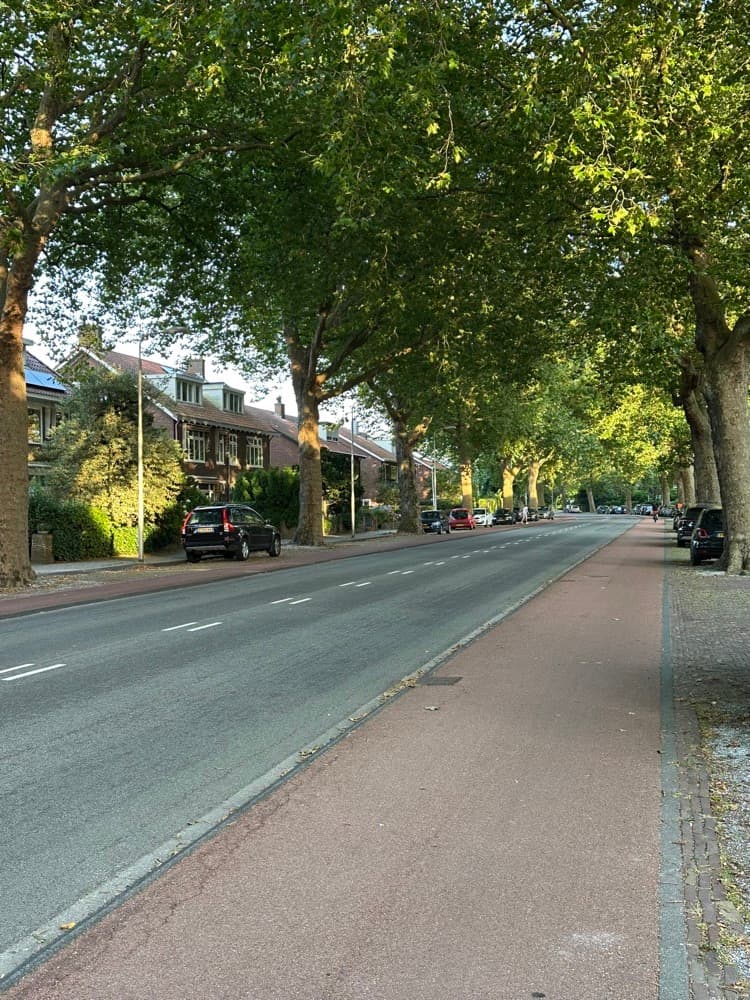
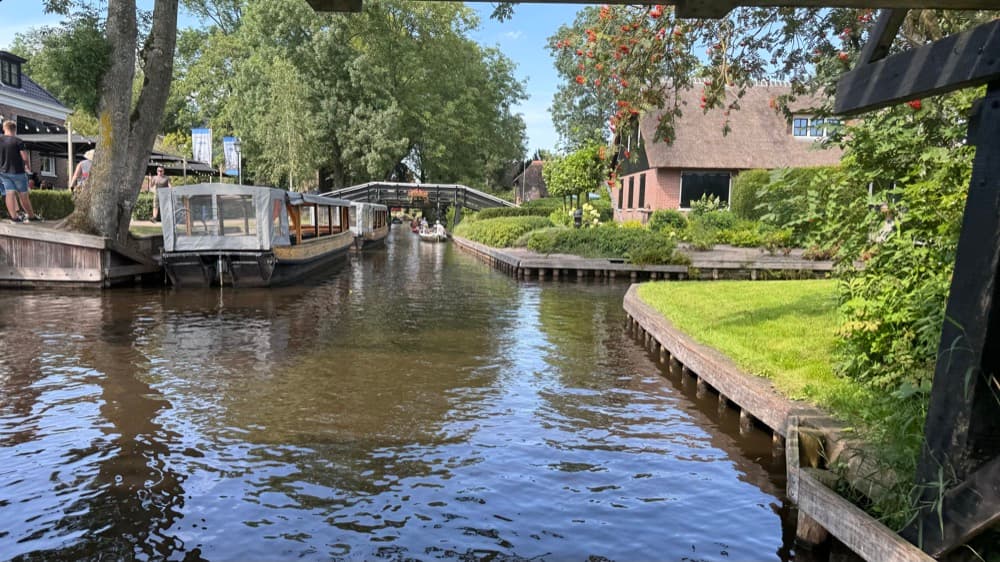
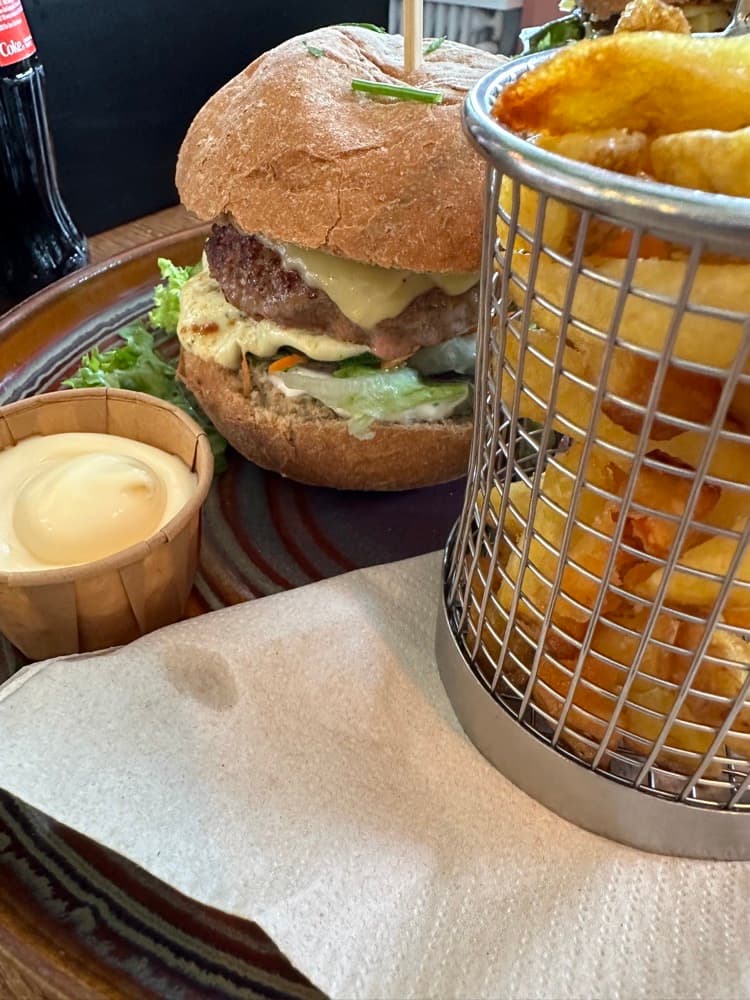
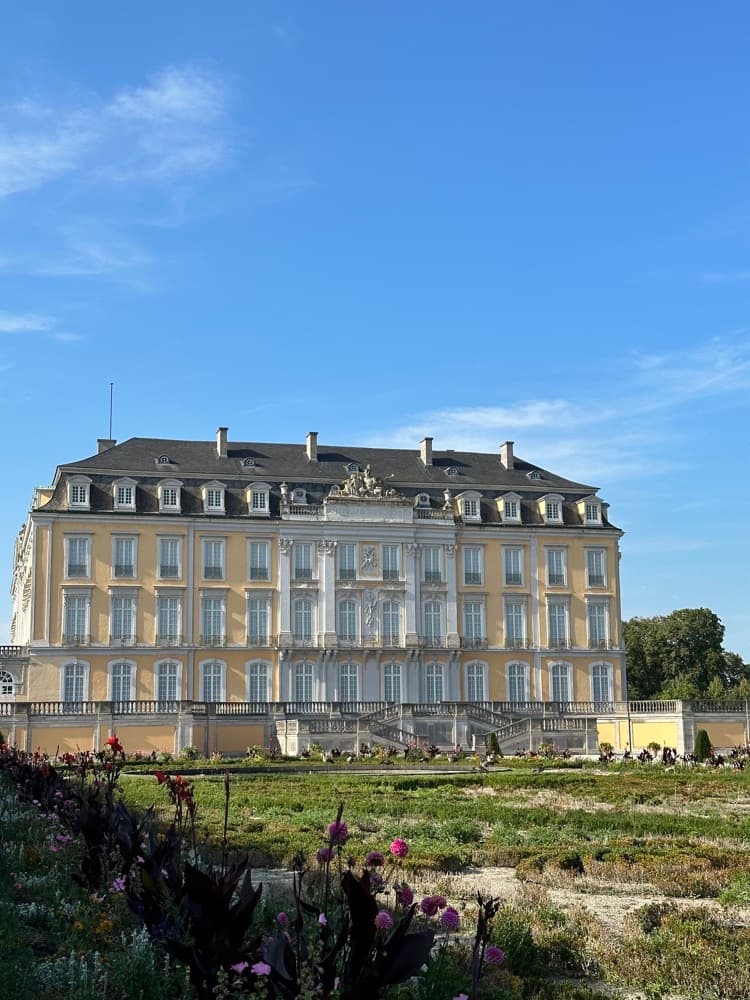
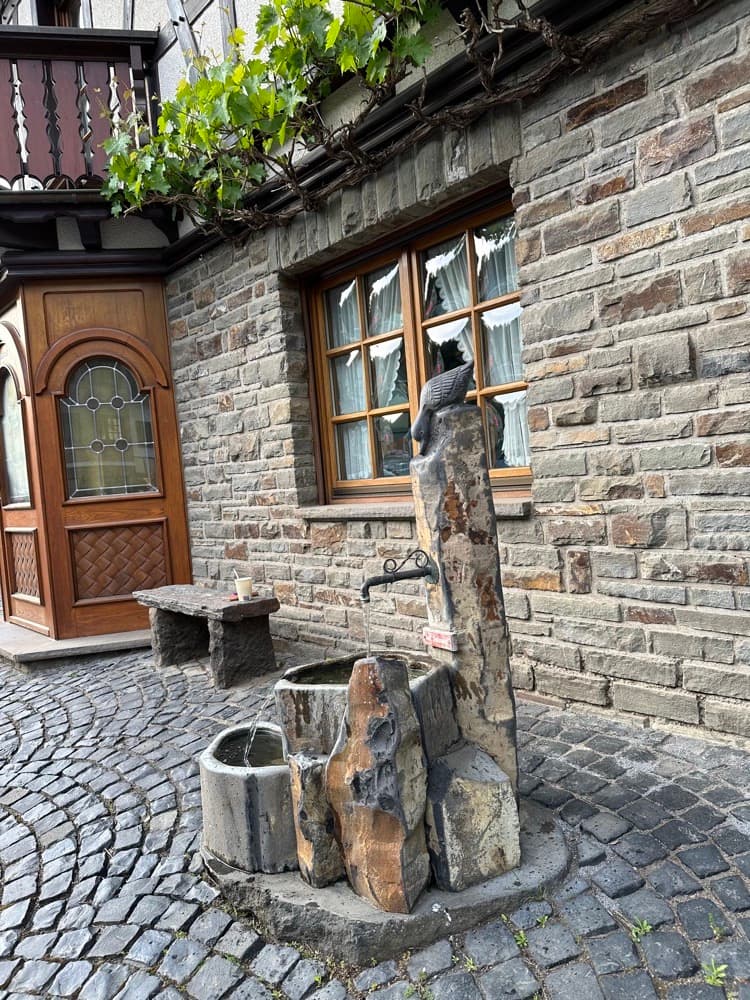
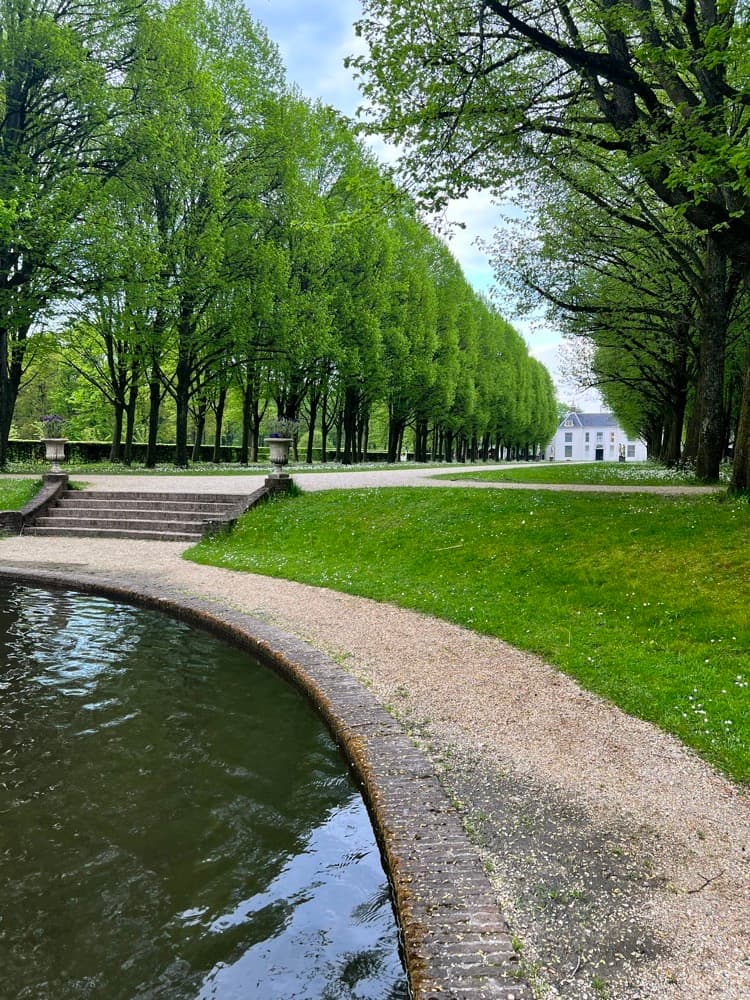
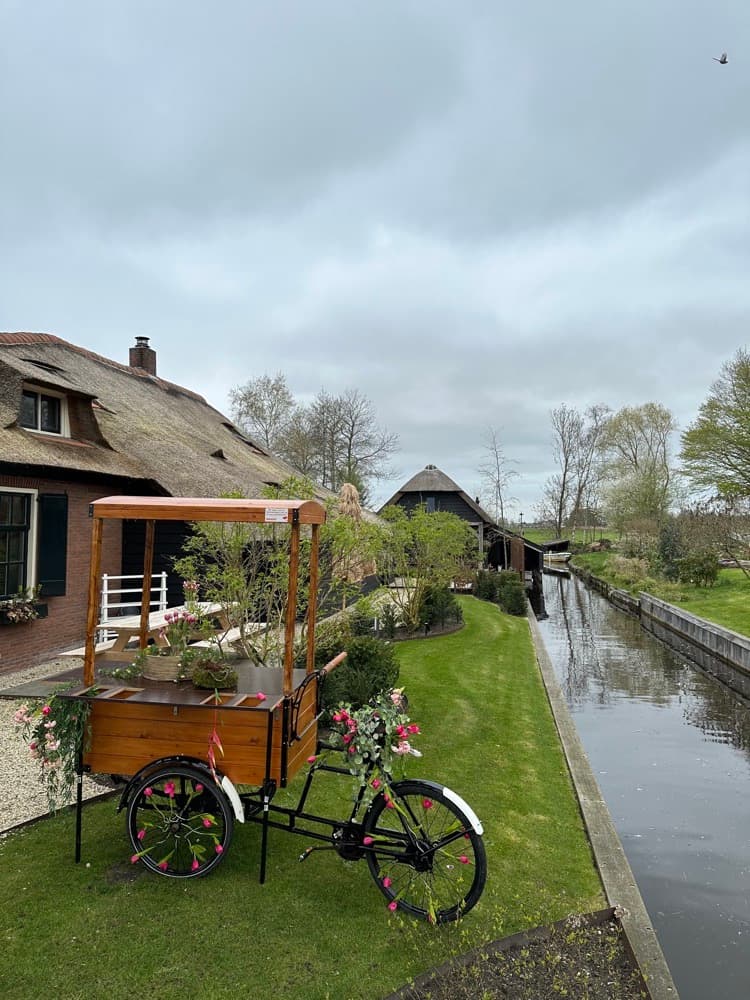
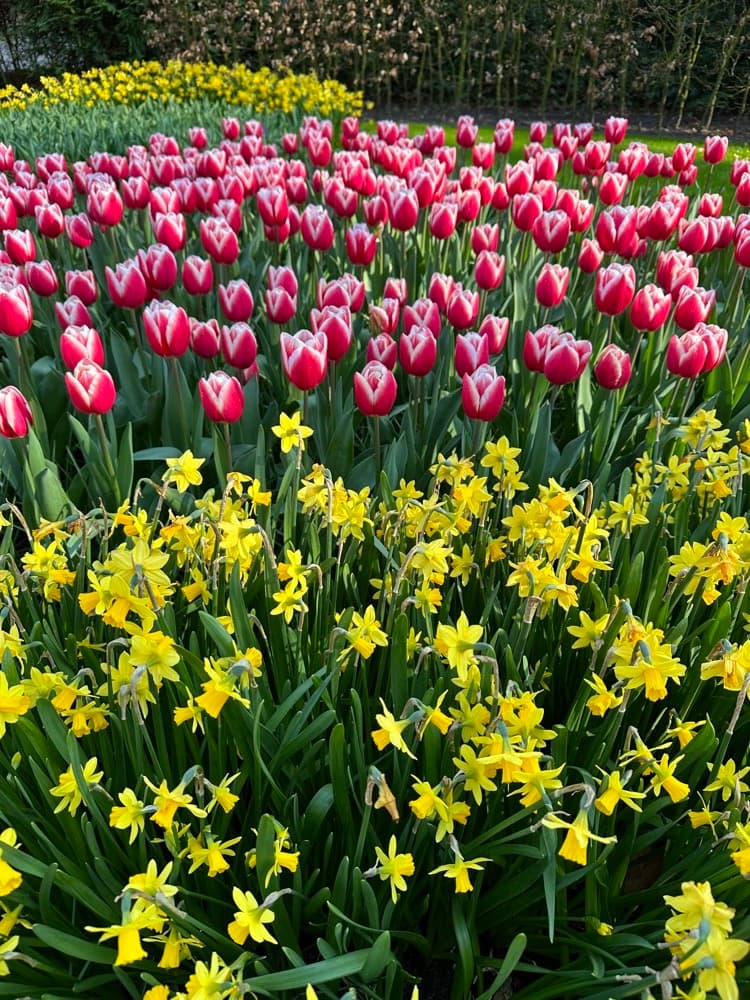
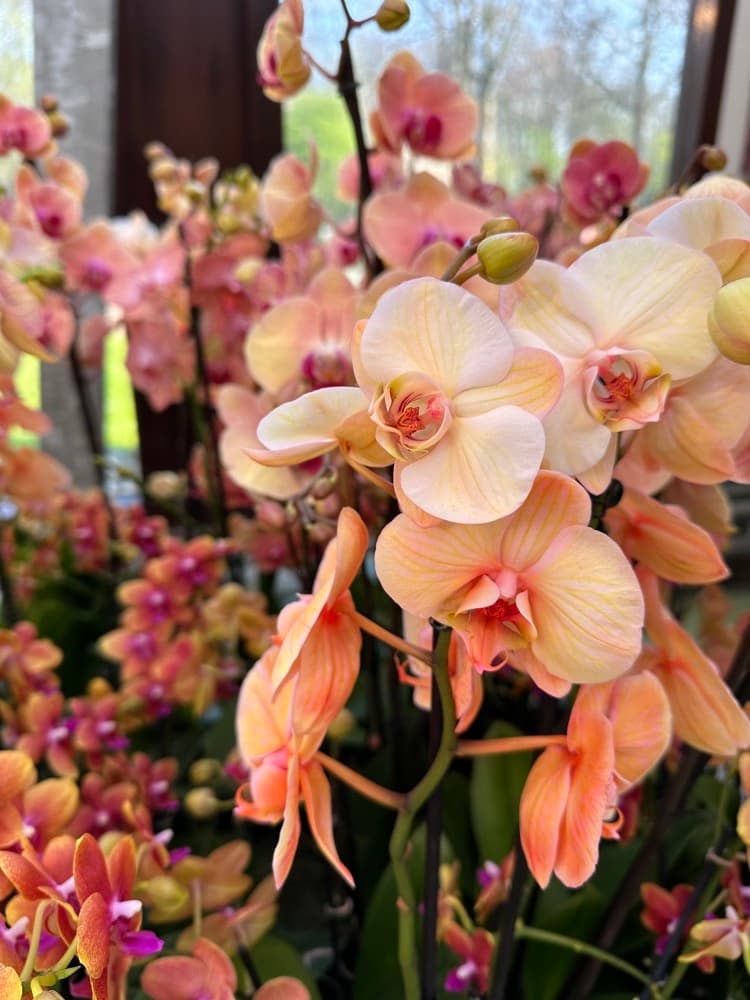
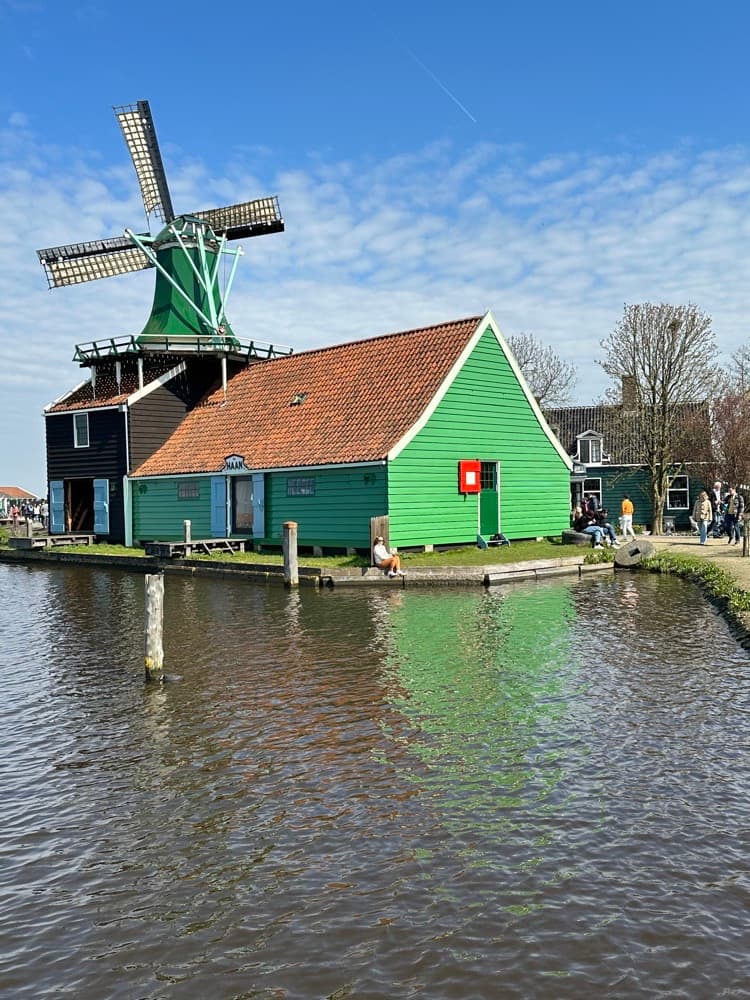
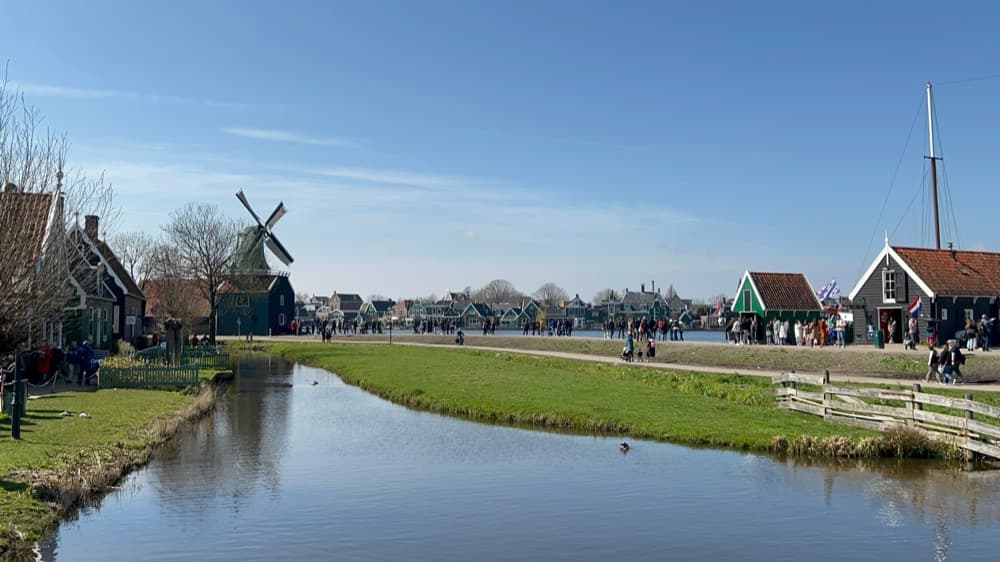
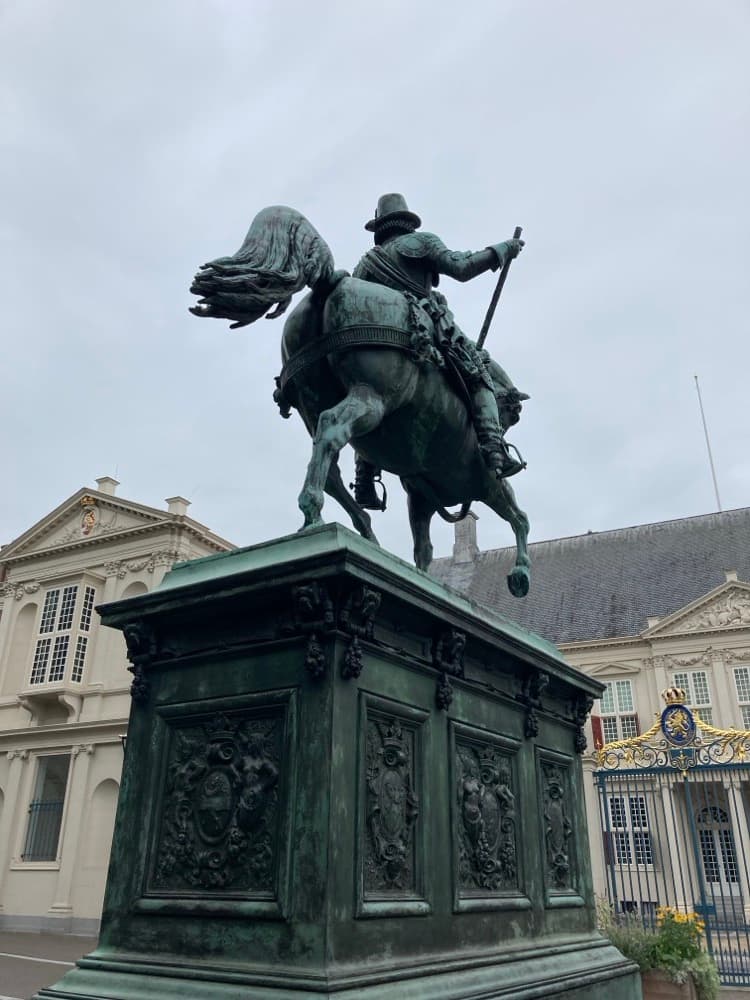
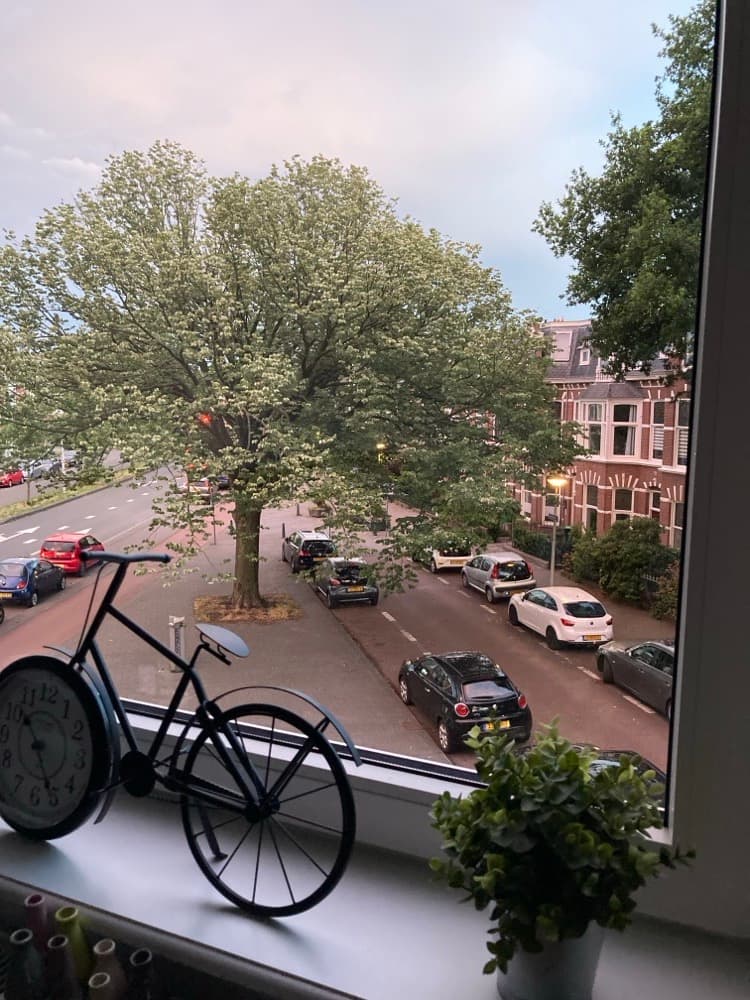
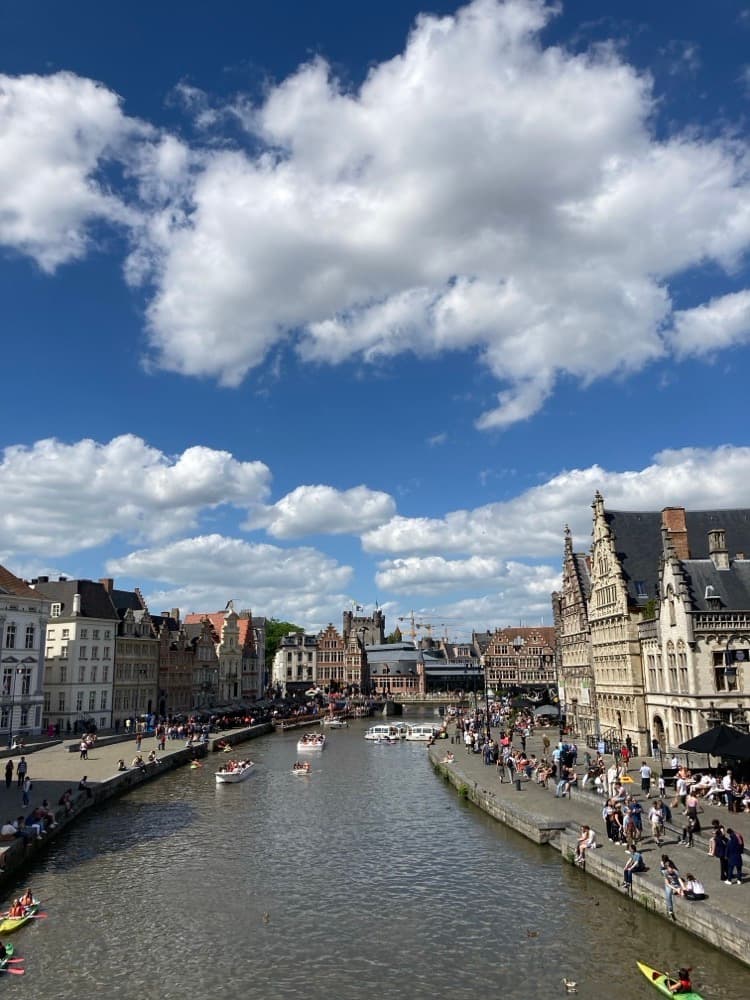
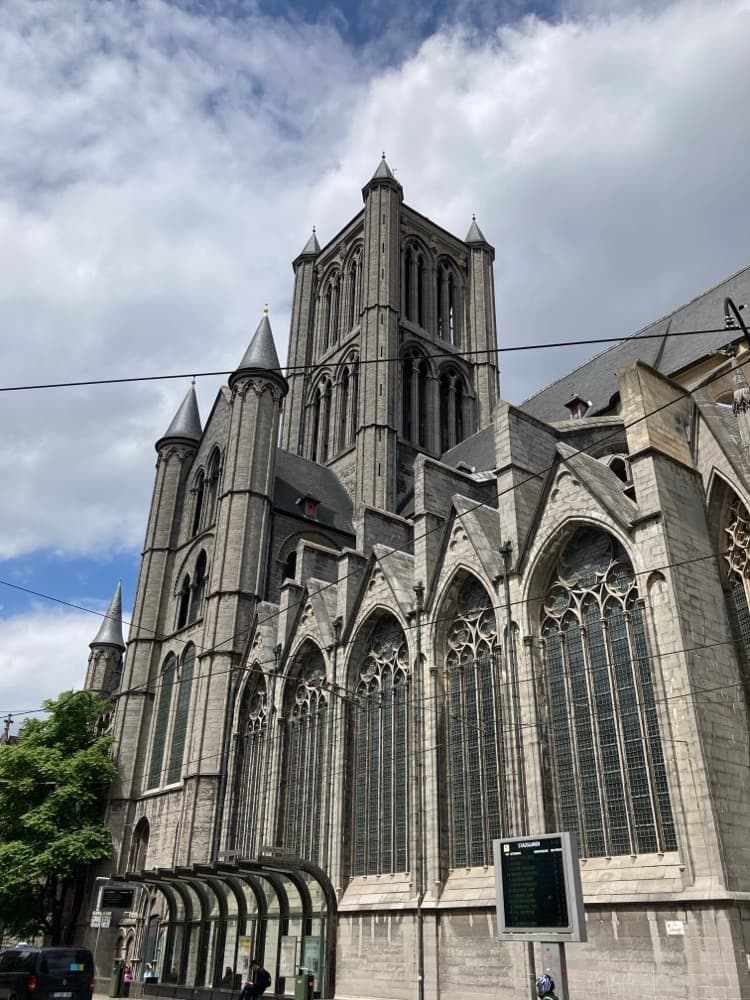
Fig. 1 · Place
Where these photos were taken
Korsan writes coordinates and place names into each photo. Any app that reads standard metadata can then show where it was taken. Choose a place to see its photo.
Ghent
- City
- Ghent
- Region
- East Flanders
- Country
- Belgium
- Coords
- 51.0543° N, 3.7174° E
A schematic chart, not a map view. Korsan has no map. The dashed line joins the places in date order. Places and dates are examples.
Fig. 2 · Label
Every photo gets its label
Most photos in an archive hang without a label. Korsan writes one field at a time into the photo itself.
- 01 · As found
UntitledUnknown creatorDate unknownPlace unknownJPEG, 4000 × 6000 pxIMG_1785.JPG
- 02 · Date taken
UntitledUnknown creator22 June 2025, 22:18 +04:00Place unknownJPEG, 4000 × 6000 pxIMG_1785.JPG
- 03 · Location
UntitledUnknown creator22 June 2025, 22:18 +04:00Yerevan, Armenia · 40.1792, 44.4991JPEG, 4000 × 6000 pxIMG_1785.JPG
- 04 · Title and creator
Under the lightsShaho Toofani22 June 2025, 22:18 +04:00Yerevan, Armenia · 40.1792, 44.4991JPEG, 4000 × 6000 pxIMG_1785.JPG
- 05 · Keywords and rating
Under the lightsShaho Toofani22 June 2025, 22:18 +04:00Yerevan, Armenia · 40.1792, 44.4991night, lights, yerevan · ★★★★JPEG, 4000 × 6000 pxCollection of the photographer
Your photos stay safe
Korsan never changes the pixels of a photo.
It changes only the metadata. It writes only standard EXIF, IPTC and XMP fields, so Lightroom, Apple Photos, digiKam and Capture One read the result.
Before its first change to a photo, Korsan keeps a backup beside it: a.jpg_original. You can restore the original at any time.
Everything stays on your Mac
No account. No cloud. No sync.
Korsan works on the folder you open. Its index and thumbnails stay in ~/Library/Application Support/korsan, and it can build them again from your photos.
Install
- Download the .dmg and drag Korsan into Applications.
- Open Korsan from Applications.
- The app is not signed yet. If macOS blocks it, open System Settings → Privacy & Security and click Open anyway. You do this once.
- Needs
- A Mac with Apple silicon (M1 or later)
- Reads
- JPEG, HEIC, PNG and TIFF
- License
- Free to use. Not open source.
- Status
- Early version. Keep a copy of your photos.